3-WAY MATCH
Three-way close: PO ↔ GR ↔ INV.
Only invoices fully delivered against approved orders move to payment.


Procee is an expense & procurement platform for organizations — real-time AI invoice parsing, flexible approval flows and budget control, all synced to your existing ERP without replacing a thing.
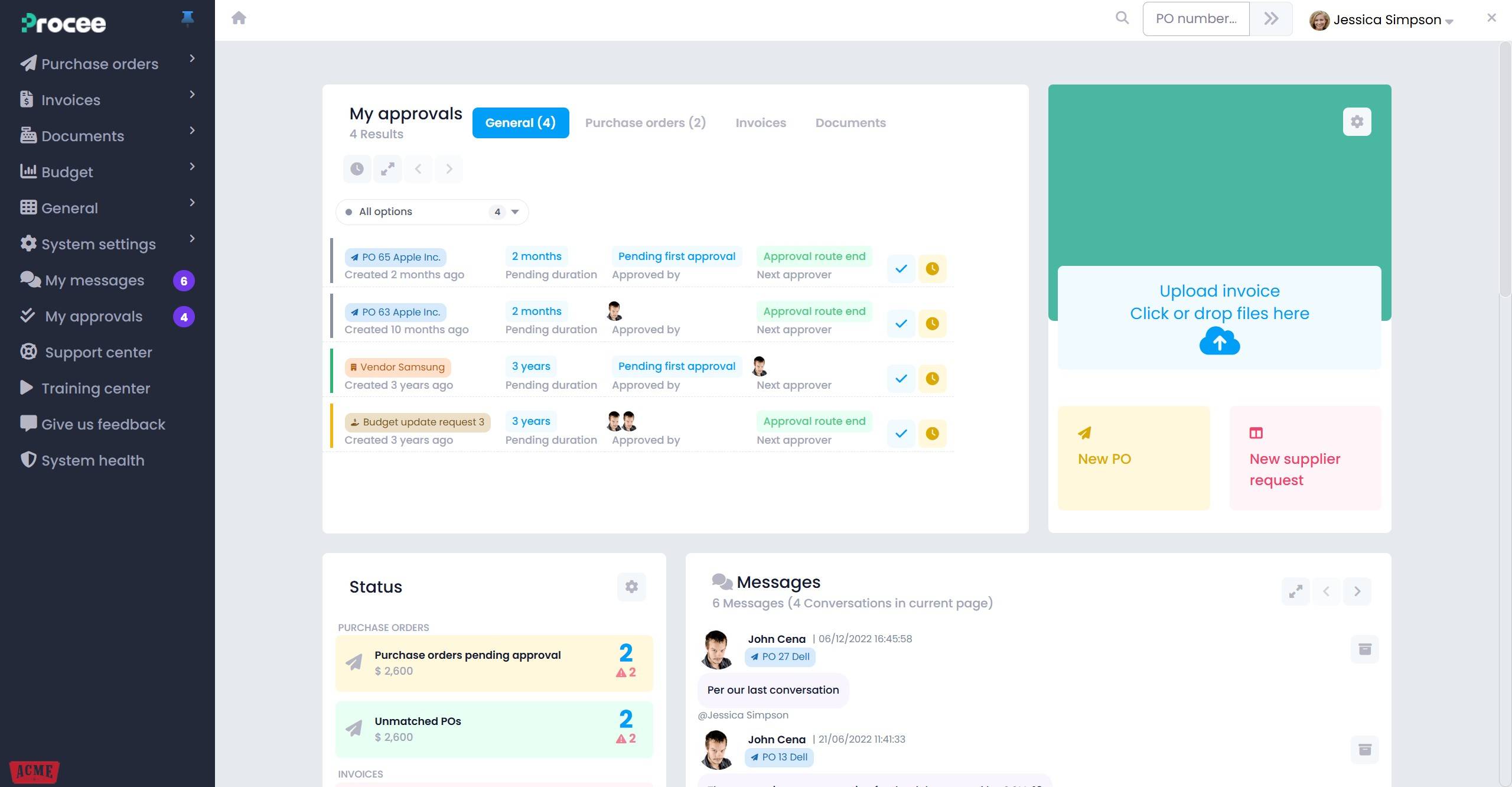
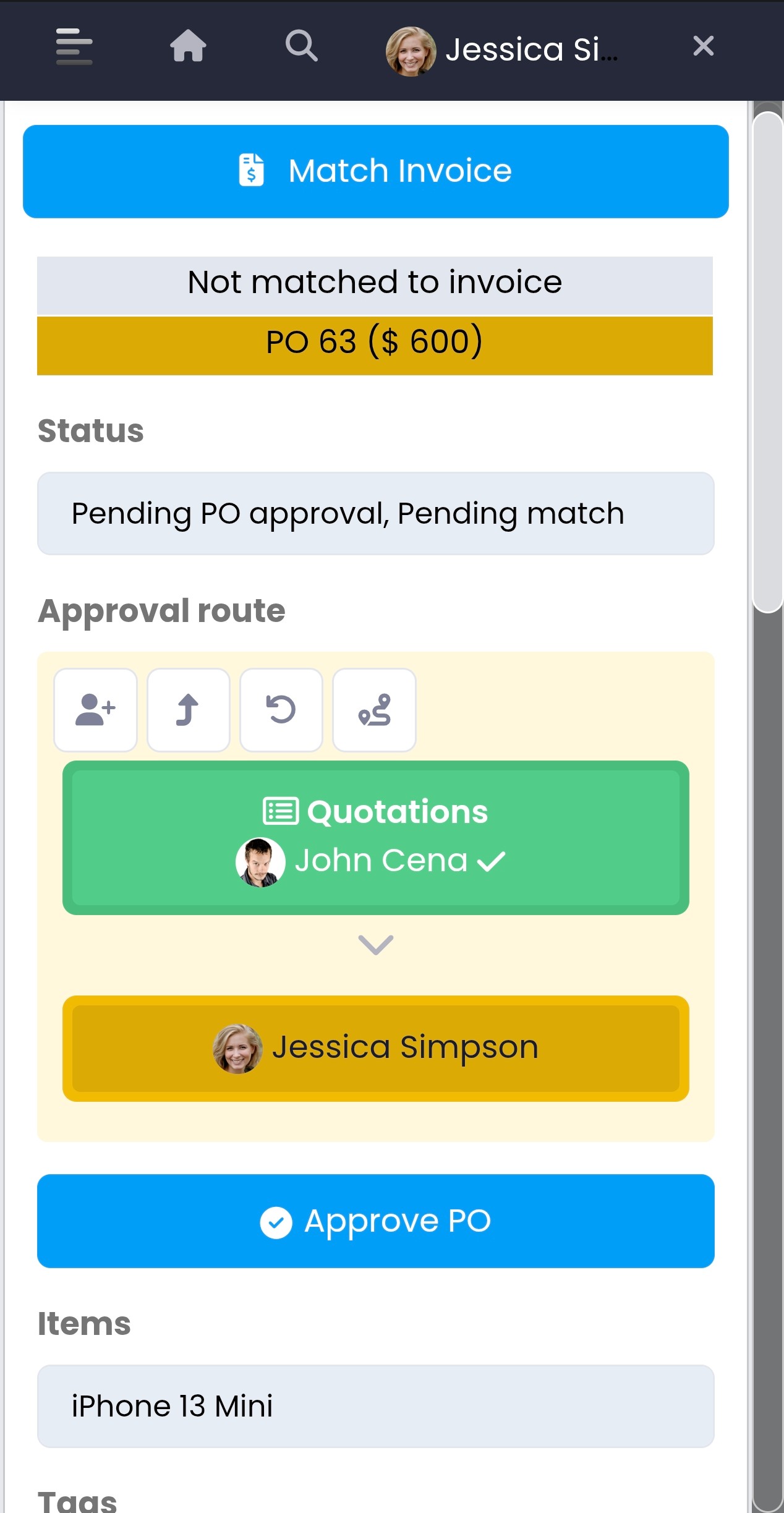











The end-to-end procurement process in Procee — from budget and purchase request, through order, goods receipt and invoice, to payment and billing — with every document synced to your existing ERP.
Full bi-directional sync with your core system. Invoices, payments, vendors and budgets stay current on both sides — automatically, in real time, with no double entry.






 ProceeProcurement platform
Most expense & procurement activity happens outside the ERP. In Procee it all happens inside.
Only invoices fully delivered against approved orders move to payment.
Budget's out — no more spend. Request an update via a budget request.
No more binders — dual signing with an approved signature, meeting tax-authority regulation.
Every user gets a unique email address to forward their purchase invoices to — the AI takes it from there.
The invoice is emailed to the inbox for parsing
Analyze the account-key structure and build rules, permissions and reports from it — for an existing index or a new one.
Apply your organizational approval policy to every entity — by account, segment, vendor, amount, validity and more...
No more dreading a detailed VAT report — automatically pull purchase-invoice data via the allocation number from the tax authority.
Pull reports from the system via API into third-party tools.
A detailed budget index as a separate mapping layer above the accounting index — with no change to it.
One master budget mapped to several companies — central control, distributed execution.
Assign the relevant accounts to each user at three levels: view, use and transfer.
Two-step upload, an open-proforma report, and blocking a vendor who hasn't filed a paid tax invoice/receipt.
Track approval-route durations and monitor organizational bottlenecks in real time.
Generate, save, schedule and export reports for every entity in the system.
An online vendor-onboarding form for new vendors — self-service, no manual forms.
A secure email that takes the vendor to a dedicated page — no login — where they fill in a quote per item.
A secure platform to work with vendors: orders, invoices, deliveries and payment.
The vendor signs in securely and sees only their own data — orders, invoices, deliveries and payment statuses.
The vendor reports delivery against the order. Once the delivery is approved, they can upload an invoice for the approved delivery amount only.
Set an invoice to "awaiting vendor". The vendor is emailed an alert and can flip the status back in the portal after handling it — including messages and file uploads.
Vendors can push invoices straight into the portal via the API — no manual upload, automatic and in real time.
Drop a purchase invoice and Procee parses it instantly
International certifications, full encryption, privacy under EU regulation and Amendment 13 to the Privacy Protection Law.
Single Sign-On — log in with your existing corporate identity, no extra password needed.


Compliance with two ISO standards that are the international benchmark for cloud systems (click a logo to download the certificate).

Periodic penetration testing by certified third parties.

Your data is yours. The system meets the EU GDPR standard and Amendment 13, so our customers can request deletion or export of their data at any time.
TLS for all traffic; your data is encrypted at rest on our servers.

The system runs on Google Cloud and is backed up across separate geographic locations.
Setup and the first month on us. All modules included.
$30 — users 1-30
$15 — users 31-100
$7 — user 101+
Minimum 4 users. Cancel anytime. No setup fee.
in action?Open a company for free, connect your ERP, and start uploading invoices within minutes.